Ski GoPro, all about its use and maintenance
Are you heading to the mountains soon and want to film your exploits with a GoPro? We tell you everything you need to know about your action camera to keep a memorable souvenir of your vacation.
How to take care of your ski GoPro ? What are the accessories necessary for the maintenance and use of your GoPro to bring in your bag this winter? Here is more information and our advice to be well equipped for skiing and bring back beautiful images!
In summary
To film your ski vacation with a GoPro, meticulous maintenance and cold-adapted accessories are essential. Maintenance : Clean the casing and seals with cold water, dry carefully (hair dryer from a distance and microfiber), and check the proper functioning of the camera and battery before departure. Essential accessories : Take extra batteries (cold reduces autonomy), a hydrophobic film for the lens, a remote control (usable with gloves), and anti-fog inserts for the casing. Attachment & Quality : Stabilize your shots via a chest harness, a helmet mount, or a suction cup for your skis, and use a polarizing filter to reduce snow glare on your images.
First step: check your ski GoPro
As with filming during a diving session, a paragliding flight or a canyoning trip, the first thing to do before heading out on the ski or snowboard slopes is to have a clean and functional camera.
Cleaning the camera
To clean a ski GoPro lens, you need to disassemble the housing and put it in a bowl of cold water. To remove the rear door seal, press on both sides.
After 10 minutes, remove the rear door from the bowl and use a cotton swab to absorb the water and clean. Do the same with the rear door seal and the housing. Use a towel to wipe each part. If there are still drops in the crevices of the housing, using a hairdryer at a reasonable distance will completely dry the housing. Remember to reinstall the seal in the correct direction to prevent moisture from getting in and damaging your ski GoPro (which is very likely to happen, given the snow and low temperatures inherent in mountain sports...).
Gently use a microfiber cloth on the lens and camera screen before inserting it into its housing.
Store your equipment in a dry place not exposed to the sun, to protect it from external aggressions.
Checking main functionalities and accessories
Once the GoPro is clean, check that everything is working correctly. This check should be done before departure, to be able to repair any potential problem. So, do some tests: is recording working correctly? Is the video quality good? Is the battery life still as good, etc.?
Once in the mountains, take a few moments every hour to check that you still have battery life, that the framing is correct and that the camera is securely attached, otherwise you'll be disappointed at the end of the day... It would be a shame not to have quality video or photos if you had a superb freeride outing or your best snowboard tricks!
Important accessories for using your GoPro for skiing
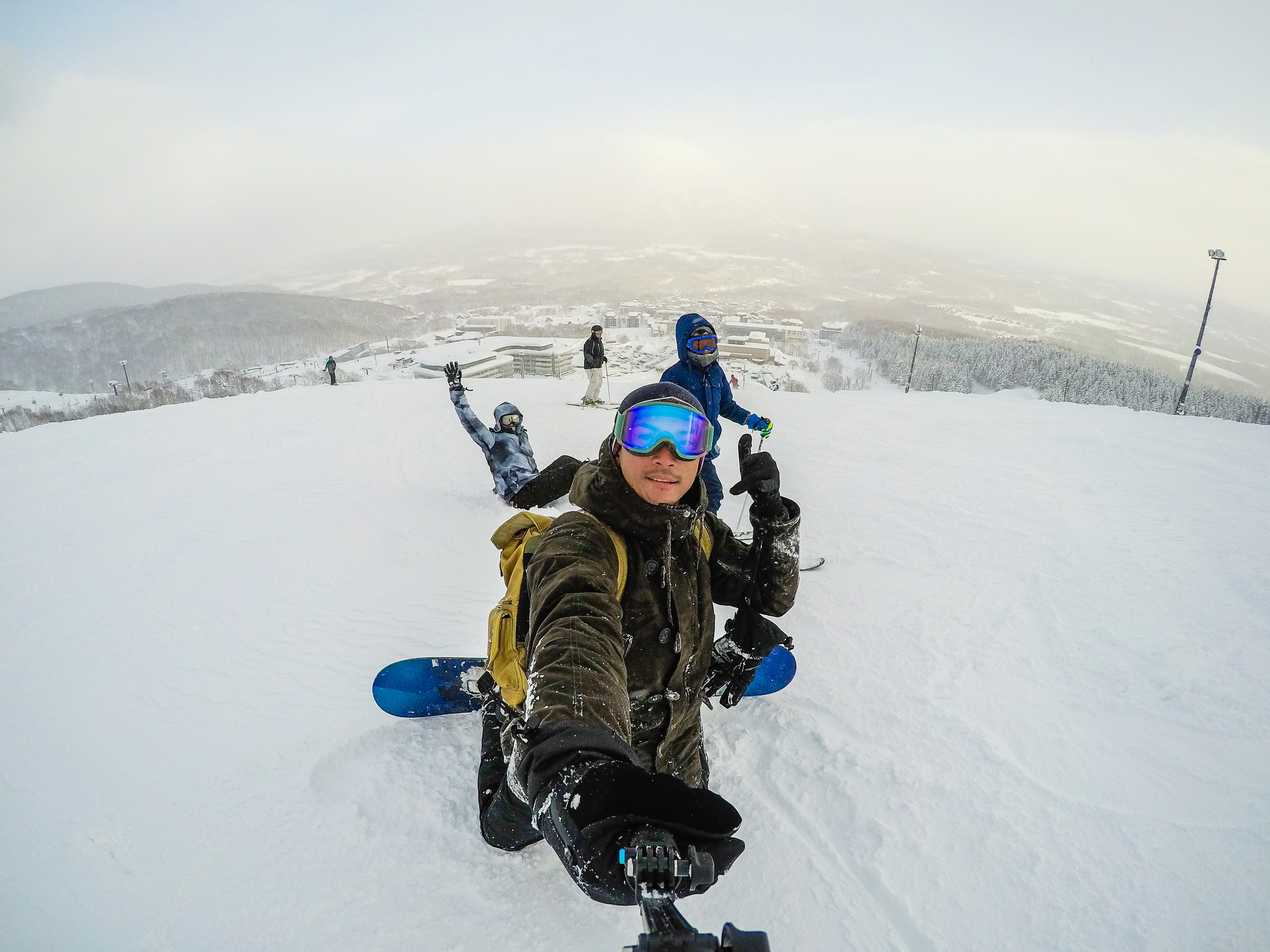
Besides the camera itself, there are many essential elements for optimal, safe, and ski-adapted use of your GoPro. If you haven't bought them yet, here are our tips for complementary products for a complete photo/video equipment !
Batteries
Bring an additional battery, as cold significantly reduces their autonomy. Also bring a practical battery charger for your ski GoPro, to recharge your battery and never find yourself unable to film.
The hydrophobic lens film
This adhesive protective film prevents water and snow from getting onto the lens and blurring images (unless you own a GoPro Hero 10 or Hero Black 11). Each of these models is indeed available in a standard version with this hydrophobic lens.
Good mounting
Your GoPro is charged and ready to use. But if you don't use good mounting and don't test it before hitting the slopes or powder fields, your videos may be poorly framed.
There are several accessories to provide good stabilization for your ski GoPro, it's up to you to choose the one that suits you best.
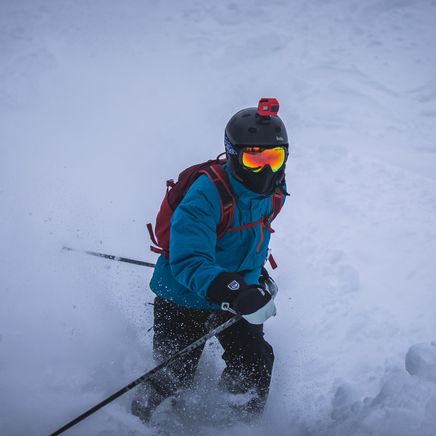
You can attach your camera with helmet-adapted mounts. There are also flexible extension arms to find the best possible viewing angle. You can also use a stabilizer stick on your helmet or hold it by hand.
A harness system to attach your camera to your chest is extremely practical, and your arms will appear in the videos.
There are also strap mounts (which you can use if you carry a backpack, for example), a suction cup mounting system to stick your ski GoPro on your skis or snowboard.
Another option: the tripod, ideal for taking burst photos.
There are therefore a multitude of possibilities depending on the content you want to create and the equipment you take with you for skiing.
The remote control for ski GoPro
It offers you the possibility of not having to take off your gloves when you take a photo or film, since there is only one large button to press. Recording is therefore very simple!
Anti-fog inserts
The GoPro housing can be subjected to sudden temperature changes (for example, when you go from your heated apartment to the ski area). This sometimes causes fog to appear in your waterproof housing, compromising the quality of your videos. To avoid this situation, use an anti-fog insert in the waterproof housing of your ski GoPro before each session. It acts as protection, and thus, you will no longer be bothered by humidity and fog.
The polarizing filter
A polarizing filter will eliminate sun glare on the snow surface. Colors will appear sharper, which will result in much better quality films.
The memory card
Use a memory card with enough space, so you can film everything you want during your ski trip.
There are 32 GB, 64 GB, 128 GB, 256 GB cards... The longer and higher definition a video is, the more space it will take up on the card. If your card is full, you can transfer it to a laptop, provided you brought it with you.